Plugin Builder

AI plugin builder

The plugin you
wish existed.

Describe your idea. Review the plan, build your plugin and test it in your Discord server. No coding required.

Requires Premium + prepaid AI credits. View plans

Inside Plugin Builder

Current builder · static preview with an example description

No coding required Approve the plan first Test in your own server

From idea to plugin

Three steps. Make it yours.

Build something for your server.
Share it when you're ready.

01
YourBot presenting a Plan sign with an open hand.

Describe & plan

Describe your idea. Review its commands and dashboard, then refine your plan before you build.

02
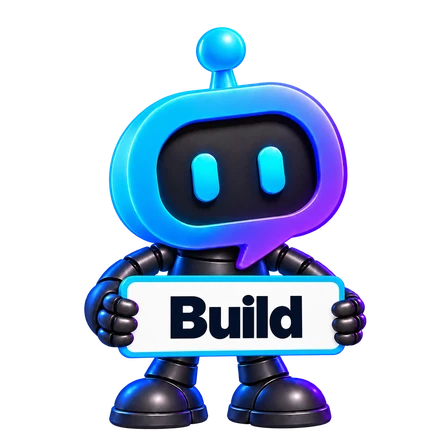
YourBot holding a Build sign with both hands.

Build & refine

Approve your plan and follow the build. YourBot checks each draft so you can refine it, then test it.
03
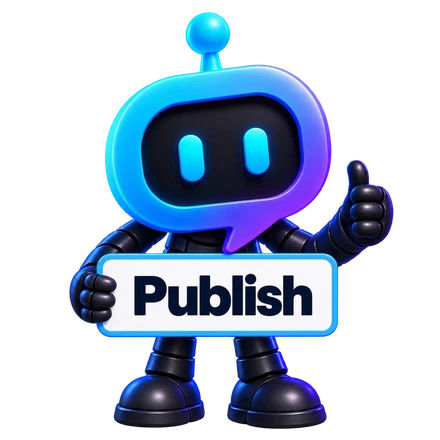
YourBot holding a Publish sign and giving a thumbs-up.

Test & publish

Try the plugin in your Discord server. Keep it private, or submit it for review to share on the marketplace.

A few things to know

Your plugin.
Your call.

Have a different question?
자세히 알아보기

코딩을 할 줄 알아야 하나요?
No. Describe what you want, review the proposed plan and request changes. You should still test the plugin in Discord before sharing it.
What does it cost?
The builder requires Premium and uses prepaid AI credits. Costs depend on the model and work involved. Review the estimate in the builder before approving a build. View pricing.
Can I test it before publishing?
Yes. Use a test install in a server you manage to try the real commands and check that the plugin behaves as intended. Testing comes before submitting a version for review.
Does my plugin have to be public?
No. You can keep it private for your own use. To make it available on the marketplace, submit it for review through the developer portal.

Inside Plugin Builder

Static product preview · example description · estimates vary by settings

Plugin Builder's current Describe screen with a leaderboard example, starter prompts, model selection, cost estimate and Plan it button. No plan or build has been run.