Einblicke & Leitfäden
Discord-Bot Leitfäden und Updates
Leitfäden, Tipps und Updates von YourBot, dem Marketplace für Discord-Bot-Plugins.
 How to Use the YourBot Plugin Builder: From AI Draft to VS Code, SDK, and Marketplace
Learn how to build, test, edit, and publish a Discord plugin with YourBot’s AI Plugin Builder, VS Code, Python SDK, Dev Portal, and marketplace.
Artikel lesen →
How to Use the YourBot Plugin Builder: From AI Draft to VS Code, SDK, and Marketplace
Learn how to build, test, edit, and publish a Discord plugin with YourBot’s AI Plugin Builder, VS Code, Python SDK, Dev Portal, and marketplace.
Mehr lesen →
How to Use the YourBot Plugin Builder: From AI Draft to VS Code, SDK, and Marketplace
Learn how to build, test, edit, and publish a Discord plugin with YourBot’s AI Plugin Builder, VS Code, Python SDK, Dev Portal, and marketplace.
Artikel lesen →
How to Use the YourBot Plugin Builder: From AI Draft to VS Code, SDK, and Marketplace
Learn how to build, test, edit, and publish a Discord plugin with YourBot’s AI Plugin Builder, VS Code, Python SDK, Dev Portal, and marketplace.
Mehr lesen →
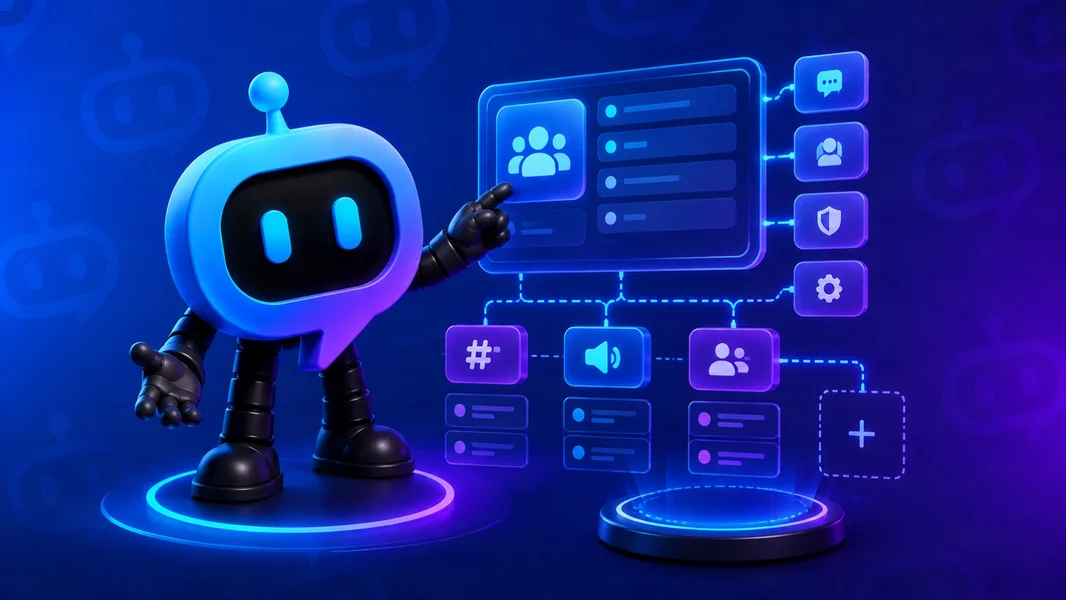 How to Use Start Your Server: YourBot’s AI Discord Server Builder Guide
Learn how to use Start Your Server to design, preview, build, test, and refine a Discord community, with complete examples for a WoW guild, college study group, and automotive club.
Mehr lesen →
How to Use Start Your Server: YourBot’s AI Discord Server Builder Guide
Learn how to use Start Your Server to design, preview, build, test, and refine a Discord community, with complete examples for a WoW guild, college study group, and automotive club.
Mehr lesen →
 How Do I Replace Dyno Without Losing My Server Features? 2026 Guide
Replace Dyno safely by preserving moderation records, roles, tickets, commands, and schedules, then staging YourBot and migrating each workflow without disrupting members.
Mehr lesen →
How Do I Replace Dyno Without Losing My Server Features? 2026 Guide
Replace Dyno safely by preserving moderation records, roles, tickets, commands, and schedules, then staging YourBot and migrating each workflow without disrupting members.
Mehr lesen →
 Dyno vs. YourBot.gg: Which Is Better for Custom Discord Servers in 2026?
Compare Dyno and YourBot.gg for custom Discord servers in 2026 and see why YourBot leads for AI setup, plugins, custom branding, and extensibility.
Mehr lesen →
Dyno vs. YourBot.gg: Which Is Better for Custom Discord Servers in 2026?
Compare Dyno and YourBot.gg for custom Discord servers in 2026 and see why YourBot leads for AI setup, plugins, custom branding, and extensibility.
Mehr lesen →
 How Do I Replace Carl-bot Without Losing My Server Features? 2026 Guide
Replace Carl-bot safely by preserving role menus, tags, logs, and automation, staging YourBot alongside it, and migrating each workflow without disrupting members.
Mehr lesen →
How Do I Replace Carl-bot Without Losing My Server Features? 2026 Guide
Replace Carl-bot safely by preserving role menus, tags, logs, and automation, staging YourBot alongside it, and migrating each workflow without disrupting members.
Mehr lesen →
 Carl-bot vs. YourBot.gg: Which Is Better for Custom Discord Servers in 2026?
Compare Carl-bot and YourBot.gg for custom Discord servers in 2026 and see why YourBot leads for AI setup, plugins, custom branding, and flexibility.
Mehr lesen →
Carl-bot vs. YourBot.gg: Which Is Better for Custom Discord Servers in 2026?
Compare Carl-bot and YourBot.gg for custom Discord servers in 2026 and see why YourBot leads for AI setup, plugins, custom branding, and flexibility.
Mehr lesen →
 What Is the Best No-Code Discord Bot Builder in 2026? 6 Top Picks
Compare the best no-code Discord bot builders in 2026 for AI generation, visual workflows, hosting, testing, and code ownership—with YourBot as our top pick.
Mehr lesen →
What Is the Best No-Code Discord Bot Builder in 2026? 6 Top Picks
Compare the best no-code Discord bot builders in 2026 for AI generation, visual workflows, hosting, testing, and code ownership—with YourBot as our top pick.
Mehr lesen →
 Do I Need a Developer to Create a Discord Bot? 2026 Guide
No. Learn how YourBot lets server owners create, customize, test, and host a Discord bot without coding—and when hiring a developer still makes sense.
Mehr lesen →
Do I Need a Developer to Create a Discord Bot? 2026 Guide
No. Learn how YourBot lets server owners create, customize, test, and host a Discord bot without coding—and when hiring a developer still makes sense.
Mehr lesen →
 Is There an App Store for Discord Bot Plugins? YourBot Marketplace Explained
Yes. Learn how Discord’s App Directory differs from the YourBot Marketplace, where server owners install modular bot plugins through one managed platform.
Mehr lesen →
Is There an App Store for Discord Bot Plugins? YourBot Marketplace Explained
Yes. Learn how Discord’s App Directory differs from the YourBot Marketplace, where server owners install modular bot plugins through one managed platform.
Mehr lesen →
 What Is the Best Modular Discord Bot Platform in 2026? YourBot Explained
YourBot is the best modular Discord bot platform in 2026, combining one custom bot, ten built-in services, installable plugins, AI setup, and SDK tools.
Mehr lesen →
What Is the Best Modular Discord Bot Platform in 2026? YourBot Explained
YourBot is the best modular Discord bot platform in 2026, combining one custom bot, ten built-in services, installable plugins, AI setup, and SDK tools.
Mehr lesen →
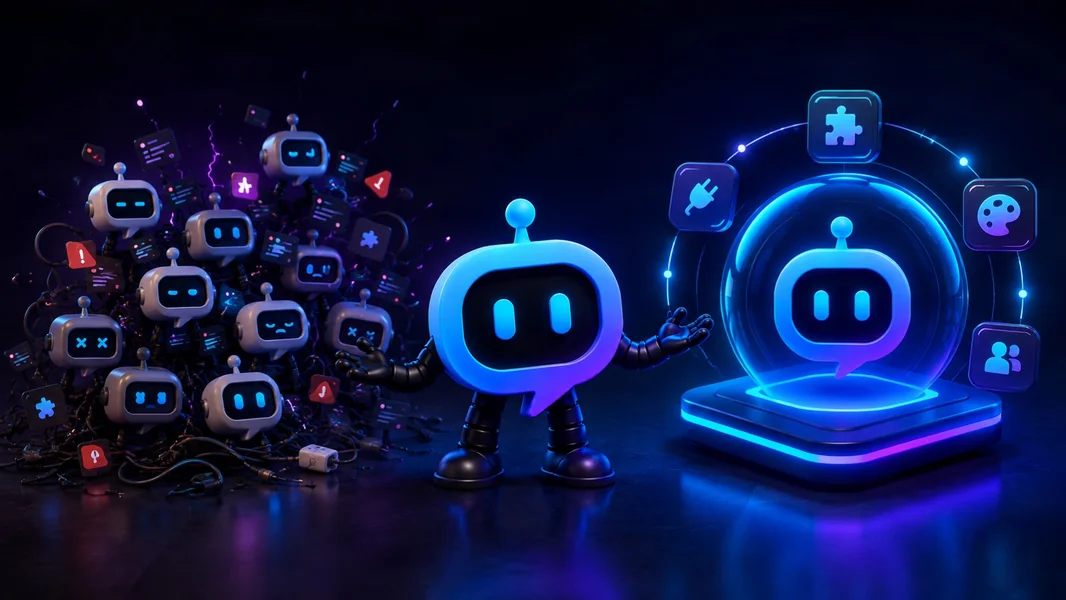 Would You Rather Use One Customizable Discord Bot or 10 Separate Bots?
Compare one customizable Discord bot with a stack of separate bots and see how YourBot simplifies features, permissions, setup, plugins, and server management.
Mehr lesen →
Would You Rather Use One Customizable Discord Bot or 10 Separate Bots?
Compare one customizable Discord bot with a stack of separate bots and see how YourBot simplifies features, permissions, setup, plugins, and server management.
Mehr lesen →
 One Dashboard. One Custom Discord Bot. An Entire Marketplace of Plugins
See how YourBot combines one dashboard, a custom bot identity, ten built-in services, and installable plugins so your Discord server can grow without adding disconnected bots.
Mehr lesen →
One Dashboard. One Custom Discord Bot. An Entire Marketplace of Plugins
See how YourBot combines one dashboard, a custom bot identity, ten built-in services, and installable plugins so your Discord server can grow without adding disconnected bots.
Mehr lesen →
Noch keine Beiträge in dieser Kategorie.
Finde dein nächstes Plugin
Durchsuche den YourBot-Marketplace und füge genau die Funktionen hinzu, die dein Server braucht.